Не сканируйте этот QR-код! 6 платёжных мошенничеств, на которые чаще всего попадаются иностранные туристы в Китае
At Huaqiangbei in Shenzhen, an Australian backpacker was stopped by a stranger: “Can you scan this code for me? My phone’s dead.” He scanned it. The page looked like a WeChat authorization screen. He tapped confirm. Three minutes later, ¥1,200 was gone from his WeChat wallet.
This isn’t an urban legend — it’s one of the real cases reported by Shenzhen police in 2025. China’s mobile payment ecosystem leads the world, but precisely because QR codes are everywhere, scammers have evolved with them. As a foreign tourist, you’re a softer target than locals: you’re less familiar with Chinese-language interfaces and haven’t yet developed a sense of where “scan culture” boundaries lie.
Scam #1: QR Code Overlay
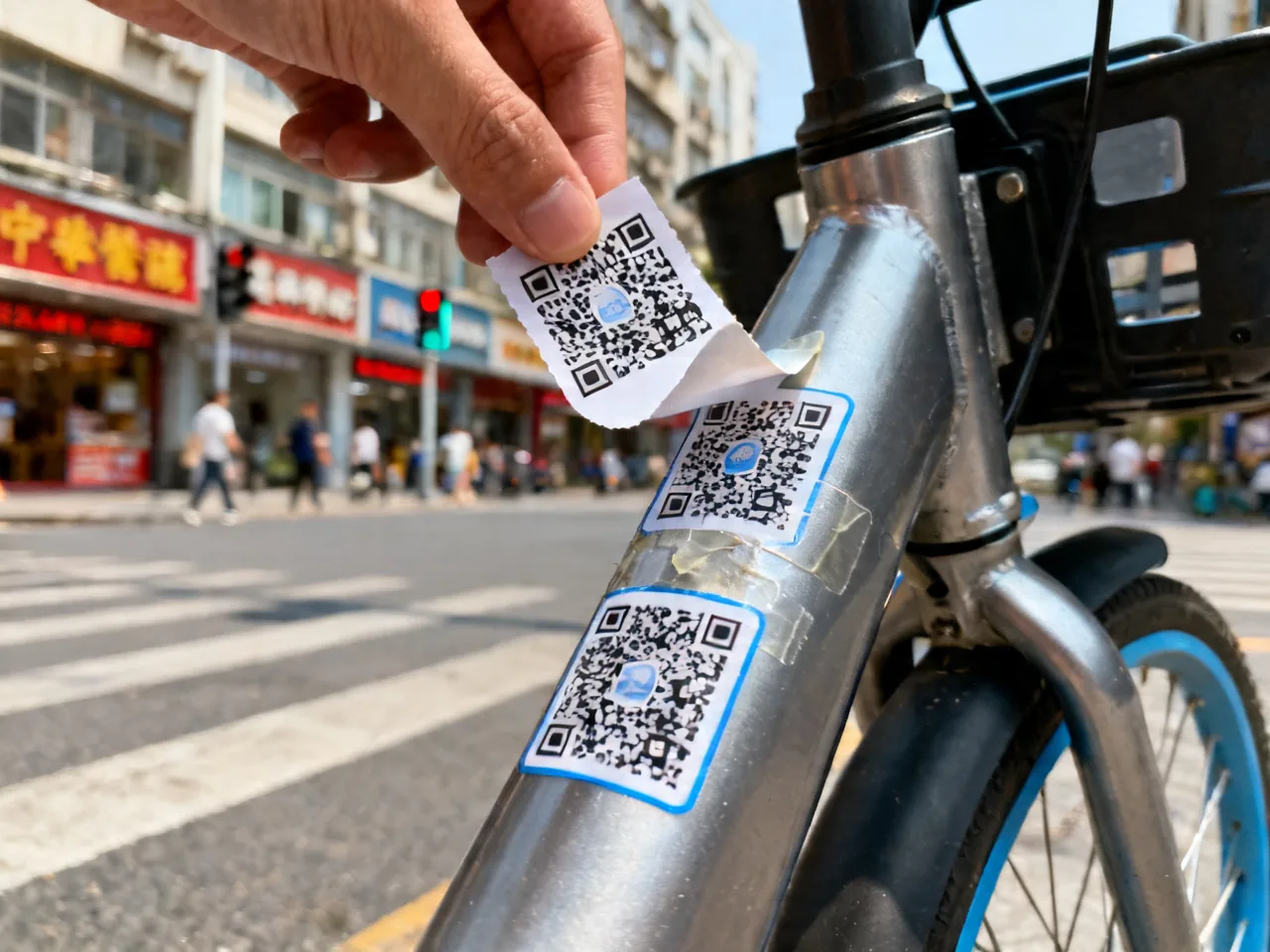
How it works: scammers paste their own QR code on top of legitimate ones — shared bikes, vending machines, even restaurant table-ordering codes. You think you’re paying the merchant; the money goes to the scammer.
Real scenario: renting a shared bike near West Lake in Hangzhou, I noticed the QR code on the bike frame had visible sticker edges. Peeled it back — there was the original code underneath. Had I scanned the top layer, my money would have vanished.
Defense: run your finger over the code before scanning. If you feel a sticker layer, don’t scan. For shared bikes, use the in-app scanner rather than your phone’s camera.
Scam #2: “Scan This for Me” Social Engineering
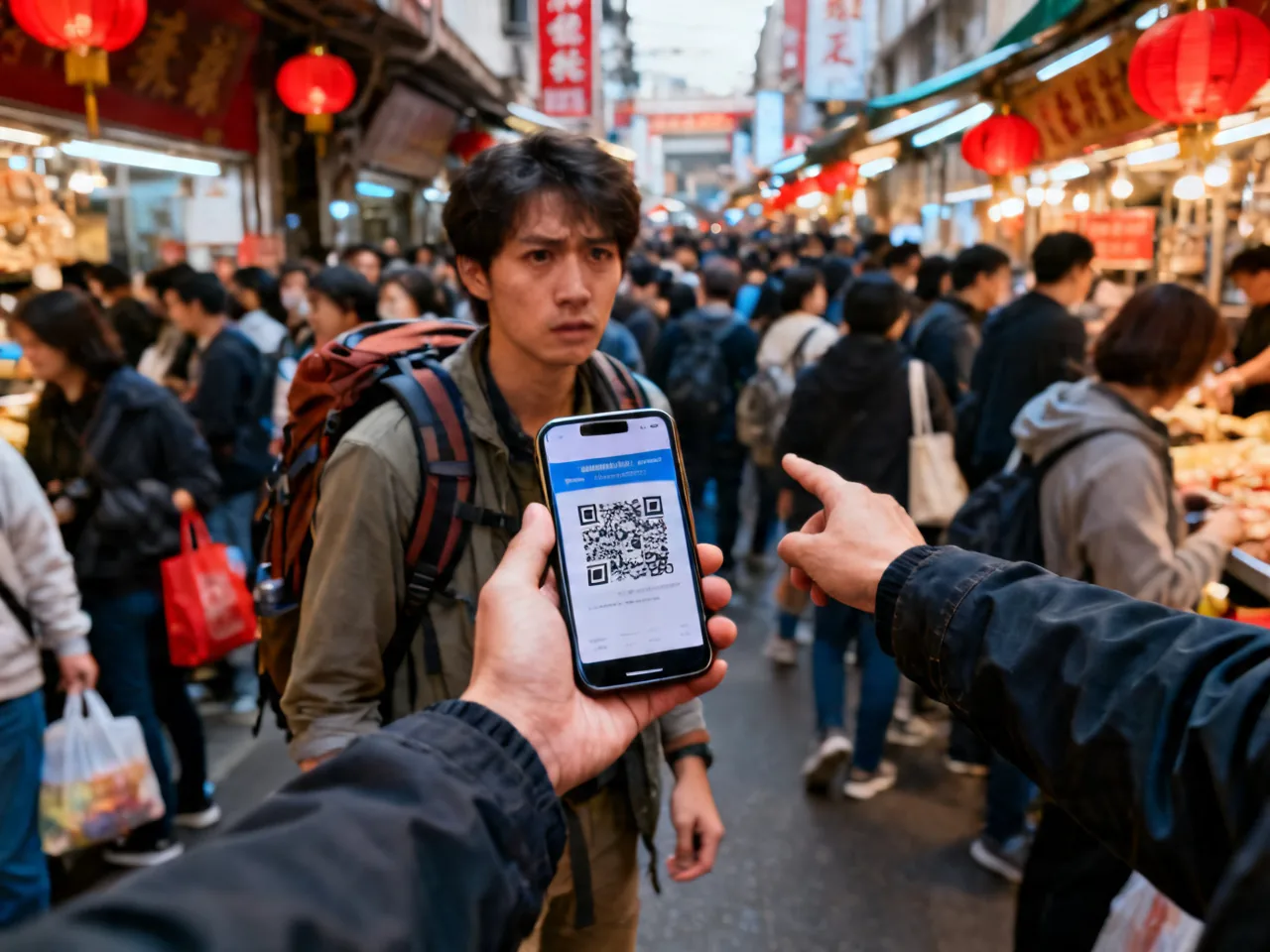
How it works: a stranger asks you to scan their code for various reasons — “phone’s dead,” “bad signal,” “pay for me and I’ll transfer you back.” Scanning may trigger authorized transfers, subscribe you to malicious accounts, or redirect to phishing pages.
Key principle: in China, never scan a QR code that a stranger actively shows you. Normal commerce works the other way: you show your payment code for the merchant to scan, or you scan the merchant’s fixed display code. Any “reverse” scenario — someone asking you to scan a code on their phone screen — should be refused.
Scam #3: Taxi “Scan for Discount”
How it works: some unlicensed or shady taxi drivers say “scan this code for a discount” or “the meter’s broken, just scan to pay.” The code may link to a personal account (bypassing platform oversight), with the driver manually entering the amount — leaving you no recourse for complaints.
Defense: use Didi or Amap for rides — pay through the platform. If you hail a street taxi, insist on the meter and pay cash or ask the driver to use a POS terminal. Refuse any request to scan a personal QR code.
Scam #4: Fake WiFi + Payment Hijack
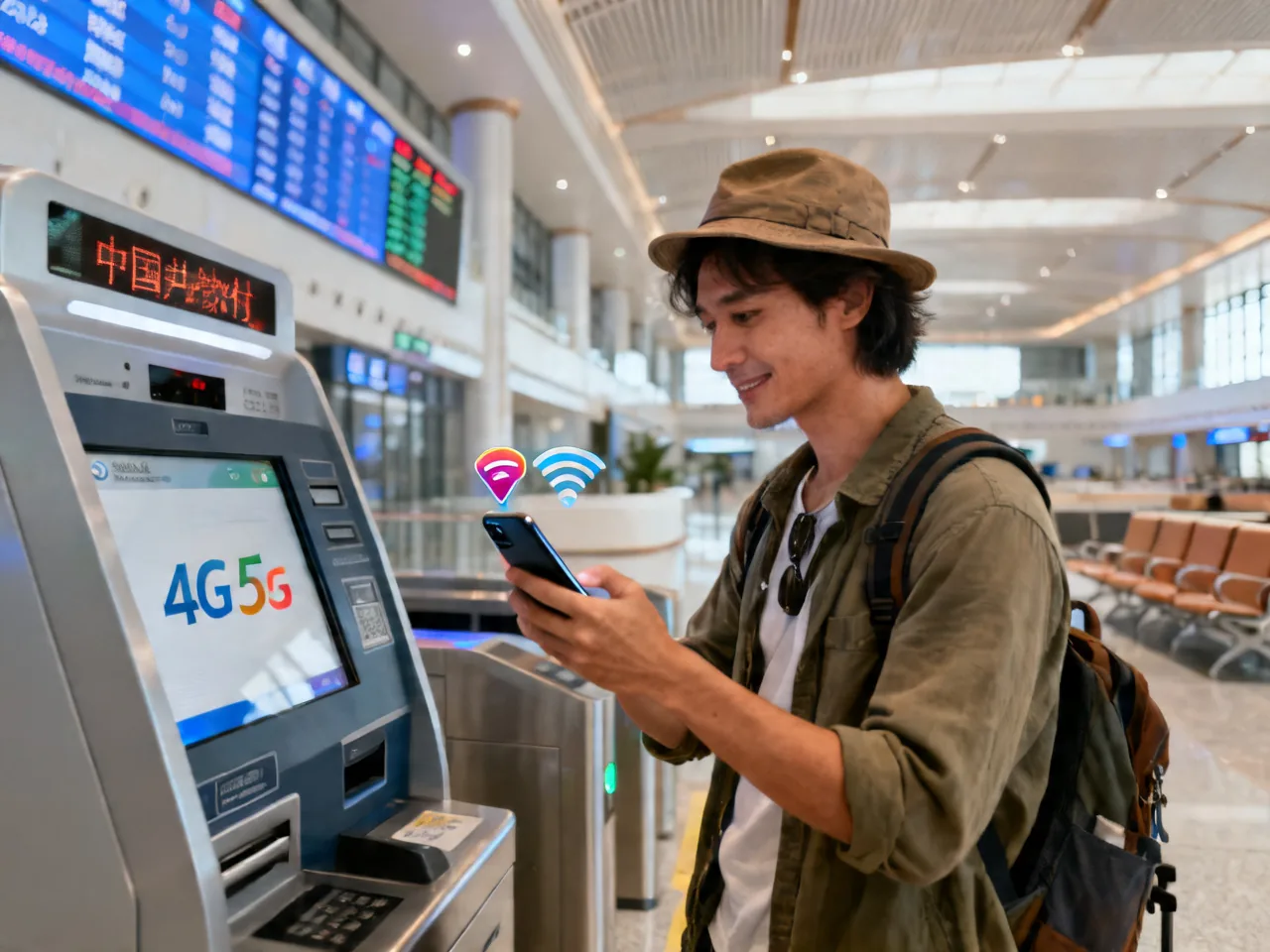
How it works: near tourist spots, train stations, or malls, scammers set up free WiFi hotspots with official-sounding names (“Starbucks_Free_5G,” “Airport-WiFi”). Once connected, they can monitor your traffic. If you open Alipay or WeChat Pay on that network, login credentials may be intercepted.
Defense: buy a local SIM card or rent a portable WiFi device — don’t connect to unknown free WiFi. If you must use public WiFi, turn on a VPN. Always use mobile data for payment operations.
Scam #5: Refund Phishing SMS
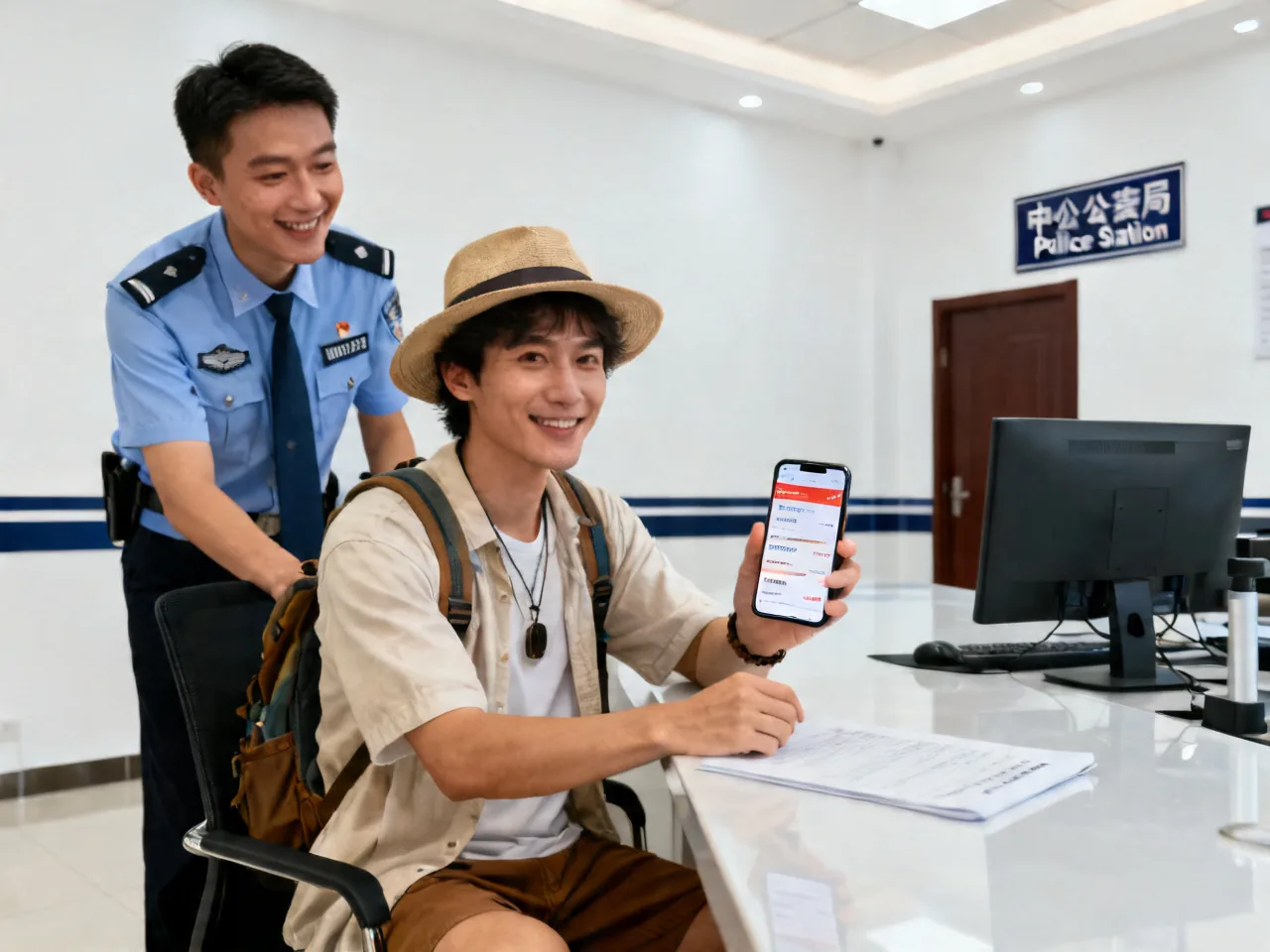
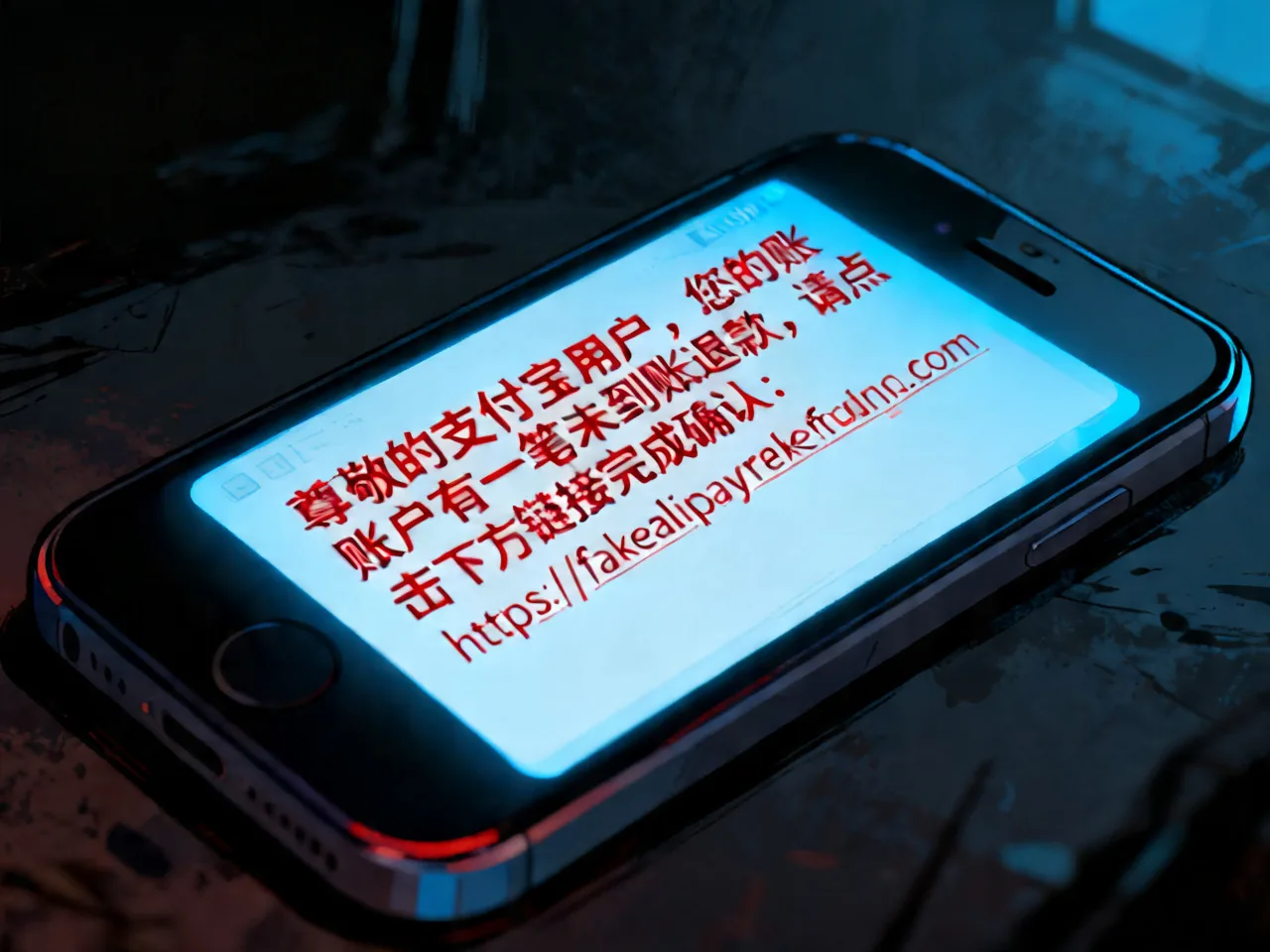
How it works: after a purchase on some platform, you receive an SMS saying “your order has an issue, click this link to process a refund.” The link leads to a convincing fake Alipay/WeChat page asking for your password or verification code.
A German student studying in Beijing told me: she bought a phone case on Taobao, and the next day received a “refund” SMS. She almost entered her payment password before noticing the link domain was “alipay-refund.cc” — the real Alipay domain is alipay.com.
Defense: Alipay and WeChat process all refunds within the app — never through SMS links. Delete any text asking you to click a link and enter payment info.
Scam #6: Merchant Overcharging
How it works: this one’s the most subtle. You buy something at a small shop, the merchant says “50 yuan,” you scan to pay, but ¥500 gets deducted. Either you didn’t check the confirmation screen carefully, or the merchant changed the amount after you scanned.
Defense: confirm the amount on screen before every payment. Build the habit: scan → check amount → confirm. Three steps, no shortcuts. Check your transaction history immediately after paying.
What If You’ve Been Scammed?
Don’t panic. Follow this sequence:
- Immediately freeze your payment account: WeChat Pay → Me → Services → Wallet → Security → Freeze Account. Alipay → Me → Settings → Security → Emergency Freeze.
- Contact your bank to report the bound card: call your issuing bank’s international hotline and flag the suspicious transaction.
- Call the police: dial 110 or visit the nearest police station. Bring transaction screenshots and the recipient’s account info. Foreign nationals can request English interpretation.
- File a complaint within the payment platform: both WeChat and Alipay have “transaction complaint” portals. The platform will investigate, and there’s a reasonable chance of recovering funds.
One Last Thing
China’s mobile payment system is genuinely the most convenient in the world — no argument there. But convenience and security always exist in tension. You don’t need to become paranoid; just build a few simple habits: don’t scan strangers’ codes, check the amount before confirming, use mobile data instead of public WiFi. Remember these three, and you’ll dodge 99% of the traps.
Related Reads
- Alipay & WeChat Pay Guide for Foreign Visitors
- WeChat Pay Setup for Foreign Visitors
- Alipay Foreign Card Binding Walkthrough
- Daily Mobile Payment Tips in China
- 10-Day East China Five-City Loop